
5 Automated Campaign Ideas That Convert
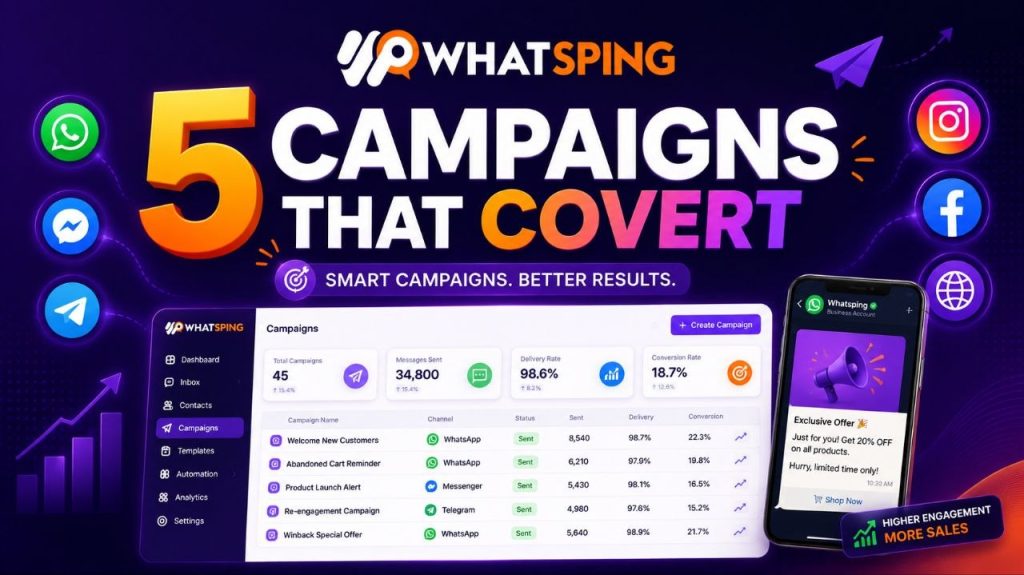
Broadcasts get a bad reputation when they are generic. Blasting the same message to everyone, everywhere, is how you get muted and unsubscribed. But automated campaigns — targeted, timely, triggered by what a customer actually did — convert. Here are five that consistently drive revenue, with the detail you need to run each one properly.
1. Abandoned cart
A customer adds products to the cart, starts checkout, and leaves. The most valuable moment is the next hour, while the intent is still fresh. Send a friendly nudge with the items they left behind and a direct link back to checkout. Because it is a template message on the official API, it arrives even outside the 24-hour window — and it arrives on a channel they actually open.
Keep it simple: one product image, the total, one button. No hard sell — “Your cart is waiting” outperforms “You forgot something!” Timing matters: an hour after abandonment beats a day after, because the purchase intent decays fast. If they do not return, a single follow-up 24 hours later with a small incentive is enough — more than that starts to feel like nagging.
2. Order updates
Shipping and delivery notifications are the highest-open messages in e-commerce. Customers want to know when their order moves, and they will open the message the second it lands. Automate the whole journey: order confirmed, dispatched, out for delivery, delivered. Each update is a touchpoint that builds trust and reduces “where is my order?” support tickets.
Order updates are also the cheapest category of WhatsApp message — utility templates cost less than marketing ones, and they are almost never muted, because they are information the customer wants. For a business shipping daily, this one flow pays for the entire platform.
3. Back in stock
When a product sells out, customers who asked about it are your hottest leads. Capture their interest with a “notify me” flow, then message them the moment it is back. Unlike a cold broadcast, this is a message they asked for — open rates are high and the intent is already there.
Make the flow easy to find: a “notify me” button on the sold-out product page, a simple form, and a clear promise of what happens next. When stock arrives, message within minutes, not days. If the product sells fast, the message should say so — scarcity works in your favor when it is real.
4. Review requests
Social proof drives sales, and the best time to ask is a few days after delivery, when the experience is fresh. Automate a short review request with a direct link. Even a small increase in review volume compounds — every new review makes the next visitor more likely to buy.
Keep the request to one question and one link. Review platforms that ask for a star rating and a sentence get more responses than long forms. And follow the data: if most reviews mention shipping speed, that is your strongest marketing message next quarter.
5. Win-back
Customers go quiet. It happens. The win-back campaign re-engages them with a targeted offer or a “we miss you” message. Segment by inactivity — 30, 60, 90 days — and tailor the message to what they bought before. Done well, win-back flows recover a meaningful slice of revenue that would otherwise be gone.
A 30-day nudge can be informational (“new arrivals you might like”); a 90-day message needs a reason to return, usually a discount or an exclusive. Always include an easy unsubscribe — win-back that annoys people turns a recoverable customer into a permanent one, and hurts your deliverability reputation.
How to run these campaigns in Whatsping
- Segment your contacts — by purchase history, cart activity, or tags. Every campaign above starts with the right list.
- Write approved templates — clear, value-first messages pass approval fast and land reliably.
- Trigger automatically — connect Shopify or WooCommerce so carts, orders and stock changes start the flow without manual work.
- Measure and iterate — delivery and read reports show what works; double down on the winners, kill the rest.
None of these campaigns require a marketer to sit and watch. Once the triggers and templates are in place, the system runs them while you do the work that needs a human.
Best practices that keep you out of spam territory
- Only message people who opted in — it is better for deliverability and for your brand.
- Respect the 24-hour window: reply freely inside it, use templates outside it.
- Give every message a clear next step; one CTA, not five.
- Test one variable at a time — timing, offer, wording — and let the data decide.
- Watch your quality rating in the dashboard; if it dips, slow down and fix the message mix before it becomes a limit.
Start with one campaign
You do not need all five on day one. Pick abandoned cart if you sell e-commerce, or review requests if you are service-based, and launch it this week with Whatsping’s campaign tool. The official API keeps you compliant, and the dashboard shows exactly what converts. Start free and set up your first automated campaign in minutes.
Combine campaigns into a customer lifecycle
The five campaigns above are even stronger when they work together. A typical e-commerce lifecycle looks like this: the abandoned cart nudge brings the customer back, order updates keep them informed through delivery, and a review request turns the delivered order into social proof. The win-back flow then re-engages them for the next purchase. One customer journey, five touchpoints, each triggered automatically.
That is the difference between sending campaigns and running a channel. Individual messages convert; connected journeys compound.
What to measure each week
- Delivery rate — if it dips, your templates or sending frequency need attention.
- Read rate — the headline health metric; most well-segmented campaigns see strong read rates.
- Click-through — how many people took the next step, whether that is a checkout link or a review form.
- Recovered revenue — attribute sales to the campaign that touched the customer last.
- Unsubscribe and complaint rate — the early warning signs that you are over-messaging.
Pick three metrics, check them weekly, and change one thing at a time. That is the whole playbook — the magic is in the repetition.
When to scale up
Once a campaign is consistently hitting your targets, scale it in three directions: more segments (new customers, repeat customers, VIPs), more triggers (different events, different timing), and more channels (the same flows on Messenger and Telegram). The campaigns that work on WhatsApp usually translate directly — your customers are the same people on every platform.